
Turo GPS Tracking Requirements: What Hosts Need to Know
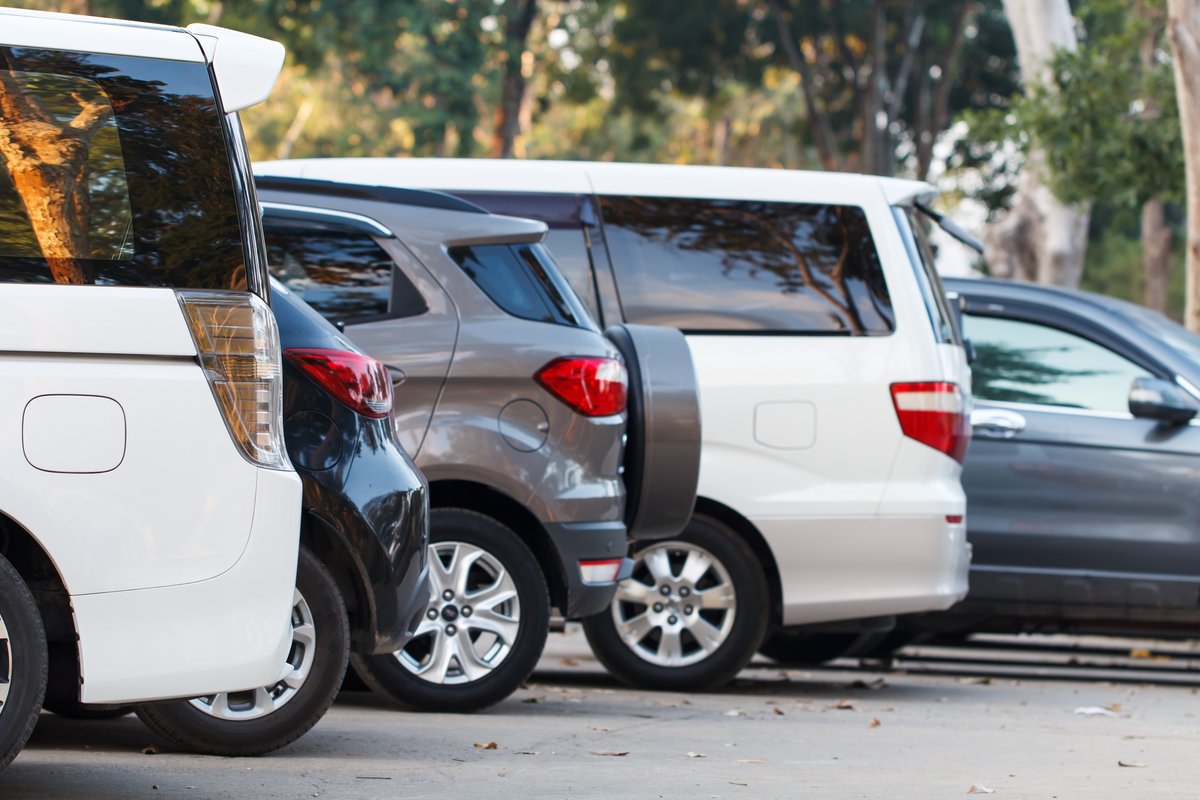
Turo does not require a GPS tracker for most U.S. hosts, but it permits GPS units, aftermarket trackers, and factory telematics to protect your car. The key U.S. rules: vehicles worth $125,000 or more need an activated OEM tracker, AirTags are banned as active trackers, and interior cameras or audio recording require the guest’s written consent.
This guide breaks down Turo GPS tracking requirements as they appear in Turo’s host policy, then covers which tracker types work best for peer-to-peer rentals and how to set one up so it protects your car without creating problems with guests.
Policy note: Turo updates its policies regularly. The rules below reflect Turo’s host tracking policy as of October 2026. Always confirm the current version and any rules specific to your location before listing.
What Are Turo’s GPS Tracking Requirements?
For most U.S. hosts, tracking is allowed but optional. Turo’s vehicle tracking and technology policy for hosts permits GPS, aftermarket tracking technology, OEM devices, cameras, and telematics devices, then adds specific requirements for certain vehicles and device types.
| Rule | Who it applies to | What happens if you don’t comply |
|---|---|---|
| Tracking devices permitted | All hosts | Not applicable. Use is optional for most vehicles. |
| Activated OEM tracker required | Vehicles with a fair market value of $125,000 or more | Turo may withhold up to 20% of covered damages above your earnings plan damage responsibility. Not providing requested location data may reduce or void protection. |
| No AirTags as active trackers | All hosts | Penalties up to account suspension and removal from the platform |
| Written consent for interior cameras or audio | All hosts using a device that records the cabin or audio | Account review and possible removal from Turo |
| Tracking disclosure | Hosts in certain locations | Varies by location. Check the rules where you host. |
Turo also reserves the right to use device data to recover a missing vehicle, to end a trip early or reduce a guest’s protection after a report of reckless driving, and to share camera and telematics data with insurers or law enforcement.
Do You Have to Disclose a GPS Tracker on Turo?
Turo requires disclosure of tracking devices for hosts in some locations, and it requires every host to get written consent before turning on a device that records the vehicle’s interior or audio. Even where disclosure isn’t mandatory, disclosing is the smart move.
A short line in your listing description, repeated in a pre-trip message, does three things. It keeps you compliant if your location’s rules change, it creates a record the guest saw before booking, and it discourages guests from taking the car somewhere your trip rules don’t allow. Something as simple as “This vehicle is equipped with a GPS tracking device for security and vehicle recovery” works.
Do Dash Cams Count Under Turo’s Tracking Policy?
Yes. Cameras fall under the same policy. A forward-facing camera that records only the road is treated differently from one with a view of the cabin. If your dashcam with integrated telematics includes a driver-facing or interior lens, or records audio, you must ask for and receive the guest’s explicit, written consent through Turo messaging before turning that recording on. This applies to factory-installed cabin cameras too.
Which Type of GPS Tracker Works Best for a Turo Car?
The best tracker depends on your vehicle’s value, how long it sits between trips, and how much tamper resistance you want. Here is how the main options compare for peer-to-peer hosting:
| Tracker type | Installation | Tamper resistance | Best for |
|---|---|---|---|
| Factory (OEM) telematics | Built in; activate through the automaker | Integrated with the vehicle | Vehicles worth $125,000 or more, which need an activated OEM tracker under Turo’s U.S. policy |
| Plug-in OBD-II | Plugs into the diagnostic port in minutes | Lower. The port is in a known spot and easy to unplug. | New hosts and quick setup across several cars |
| Hardwired | Connected to vehicle wiring and concealed; professional install recommended | Higher. No obvious device to pull. | Higher-value cars and hosts focused on theft recovery |
| Battery-powered portable | No wiring; place and secure in the vehicle | Moderate. Depends on placement. | Backup tracking and cars that sit for long stretches between trips |
Some hosts pair two of these, such as a hardwired primary unit and a portable backup. If one device is found or disconnected, the other can keep reporting.
What Features Should a Turo Host Look For in a Tracker?
Look for features that help you protect the car and resolve disputes, not ones built to watch the guest. The most useful include:
- Real-time location and trip history so you can confirm where the car is and support mileage or late-return claims.
- Geofence alerts that notify you when the car leaves an area you’ve defined, such as the region your trip rules allow.
- Tamper and power-disconnect alerts that tell you if a device is unplugged or loses power.
- Low-battery alerts for both the vehicle and a battery-powered unit.
- Starter-disable capability on supported hardwired units, which prevents a parked car from restarting. Use it only when the vehicle is stopped, and confirm it fits your trip terms and local law first.
How Should You Set Up GPS Tracking for Turo Trips?
Set up and test the tracker before your first listing, then follow the same routine on every trip. This process keeps you within Turo’s rules and ready if something goes wrong:
- Install and test the device. Confirm it reports location, triggers alerts, and shows up correctly in your app before a guest ever drives the car.
- Add a disclosure to your listing. State that the vehicle has a GPS tracking device for security and recovery.
- Get written consent for any cabin camera or audio. Request it through Turo messaging before turning recording on.
- Set geofences that match your trip rules. If your listing limits where the car can go, your alerts should reflect the same boundaries.
- Keep data use focused on the vehicle. Use location data for security, recovery, and trip disputes.
- If the car goes missing, contact Turo support and law enforcement. Share your location data with them instead of trying to recover the vehicle yourself.
Will a GPS Tracker Drain Your Rental Car’s Battery?
A plug-in or hardwired tracker draws a small amount of power from the car’s battery, and quality units reduce that draw with a sleep or standby mode when the vehicle is parked. A healthy battery in a car that is driven regularly typically handles it fine.
The risk rises when a car sits for long stretches between bookings or already has a weak battery. In that case, a unit with low-battery alerts helps, or you can use battery-powered portable GPS trackers that don’t draw from the vehicle at all.
Frequently Asked Questions About Turo GPS Tracking
Is GPS tracking required for Turo cars?
Not for most U.S. vehicles. Turo permits tracking devices but only requires one in the U.S. for vehicles with a fair market value of $125,000 or more, which must have an activated OEM tracker. Hosts in certain other countries face different thresholds and device rules, so check the policy for the location where you host.
Can I use an AirTag to track my Turo car?
No. Turo prohibits using AirTags in vehicles as active tracking devices, citing a negative guest experience and unreliable tracking. Hosts who keep using them face penalties up to account suspension and removal from the platform. A cellular GPS tracker is the compliant alternative and gives you real-time location instead of occasional pings.
Does an aftermarket tracker meet Turo’s $125,000 vehicle rule?
Turo’s U.S. policy specifically calls for an activated OEM tracker on vehicles worth $125,000 or more, so an aftermarket device on its own may not satisfy that rule. A practical approach is to activate the factory system to meet the requirement and add an aftermarket tracker as a second layer. Confirm with Turo support before relying on either.
Can Turo access my tracker’s data?
Turo’s policy gives it the right to use device data to recover a missing or unreturned vehicle, to act on reports of reckless driving, and to share camera and telematics data with insurers or law enforcement. For $125,000-plus vehicles, hosts must provide location data when Turo or authorities request it during an open investigation.
Do I need guest permission to use a dash cam on Turo?
Only for certain cameras. Turo requires explicit, written consent through Turo messaging before you turn on any device that records the vehicle’s interior or audio, including factory-installed cabin cameras. A road-facing camera without audio isn’t covered by that consent rule, but check your location’s additional requirements.
Protect Your Rental Cars With the Right Tracking Setup
Meeting Turo’s GPS tracking requirements is the baseline. Real protection comes from a tracker that alerts you quickly and helps you recover the car when something goes wrong. GPS Technologies has helped vehicle owners and fleets track and protect their vehicles since 1998, and offers GPS tracking rental devices so you can equip your cars without buying hardware outright. Hosts managing several vehicles can also run them all from one fleet tracking platform.
Call (847) 382-5107 or reach out to the GPS Technologies team to find the right setup for your rental cars.
Categorised in: GPS Monitoring Devices
This post was written by GPS Technologies Team
Comments are closed here.